Cryptocurrency ownership continues to grow around the world, but with that growth comes an important challenge: keeping your crypto safe. Many investors still store their coins on exchanges, which can expose them to hacking risks or platform failures.
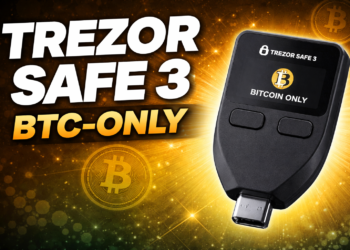
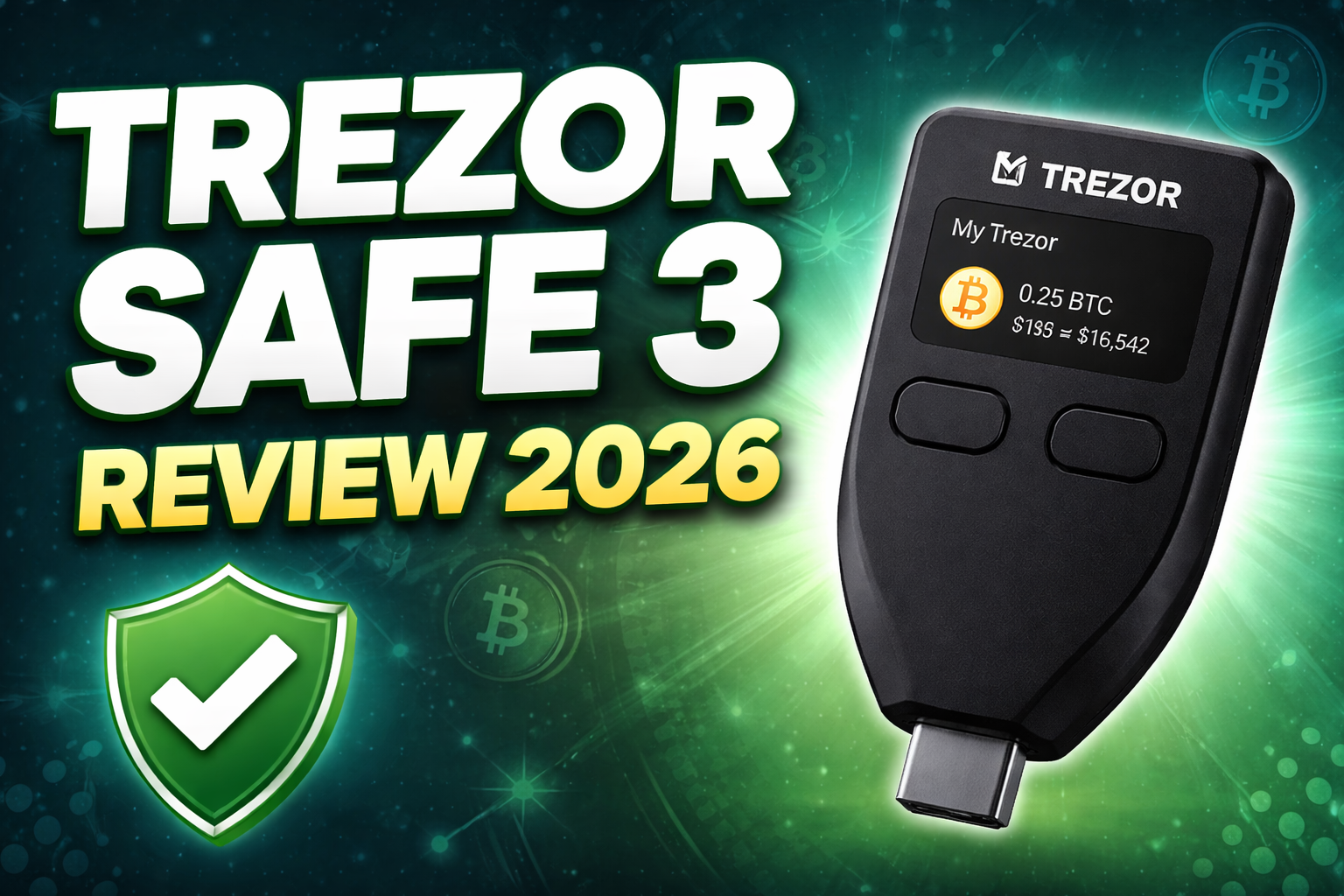
A safer option is using a hardware wallet, which stores your crypto keys offline. One of the newest and most popular hardware wallets is the Trezor Safe 3.
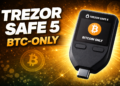
The Trezor Safe 3 is designed to provide strong security, support for thousands of cryptocurrencies, and a user-friendly experience, all at an affordable price.
In this guide you will learn:
• What the Trezor Safe 3 is and how it works
• Which cryptocurrencies it supports
• How secure the wallet is
• Whether it is easy to use
• What you get in the box
• Who should use this hardware wallet
👉 Buy the Trezor Safe 3 here
Trezor Safe 3
What Is the Trezor Safe 3?
The Trezor Safe 3 is a hardware wallet designed to store your cryptocurrency offline, also known as cold storage.
Instead of keeping your private keys on a computer or exchange, the Safe 3 stores them securely inside the hardware device itself. This prevents hackers from accessing your keys through malware or internet attacks.
The wallet works together with Trezor Suite, a software platform where you can manage your cryptocurrency portfolio, send transactions, and receive payments.
When you want to send crypto, the transaction must be confirmed directly on the hardware wallet using its screen and buttons. This extra step ensures that no unauthorized transactions can be completed without your approval.
Hardware wallets like the Safe 3 are widely considered one of the most secure ways to store cryptocurrency long-term.
How the Trezor Safe 3 Protects Your Crypto
Security is the main reason people buy hardware wallets, and the Trezor Safe 3 includes several strong security features.
Secure Element chip
One of the biggest improvements in the Safe 3 is the inclusion of a Secure Element chip (EAL6+ certified), which protects sensitive information such as private keys from physical attacks.
This type of chip is also used in:
• passports
• banking cards
• government security hardware
The Secure Element adds an additional security layer in case someone physically gains access to your device.
Offline private keys
Your private keys never leave the hardware wallet and remain offline at all times. This prevents hackers from accessing them remotely.
PIN and passphrase protection
The device requires a PIN code before it can be used. Users can also add a passphrase, creating an additional hidden wallet layer for extra security.
Recovery seed backup
During setup, you will receive a recovery seed phrase, usually consisting of 12 words. This phrase allows you to recover your wallet if the device is lost or damaged.
Always store this recovery phrase:
• offline
• in a secure location
• never digitally online
Which Cryptocurrencies Does Trezor Safe 3 Support?
One of the biggest advantages of the Trezor Safe 3 is its wide crypto support.
The wallet supports thousands of cryptocurrencies and tokens, including many of the most popular digital assets.
Major cryptocurrencies
Some of the most commonly stored coins include:
Bitcoin (BTC)
Ethereum (ETH)
Ripple (XRP)
Litecoin (LTC)
Dogecoin (DOGE)
Popular altcoins
You can also store major altcoins such as:
Solana (SOL)
Cardano (ADA)
Polkadot (DOT)
Avalanche (AVAX)
Tokens
The wallet also supports many tokens including:
Chainlink (LINK)
Tether (USDT)
USD Coin (USDC)
Because Ethereum and other networks are supported, you can also manage thousands of ERC-20 tokens.
Overall, the Safe 3 supports thousands of digital assets across many blockchains.
Trezor Safe 3 Features and Specifications
Here are some of the main technical features of the Trezor Safe 3:
Display
0.96-inch monochrome OLED screen
Controls
Two physical buttons
Connection
USB-C
Security
EAL6+ Secure Element chip
Backup
12-word recovery seed or advanced Shamir backup
Software
Trezor Suite
The device uses a simple button interface instead of a touchscreen, which helps keep the price lower while still providing secure confirmation for transactions.
Is the Trezor Safe 3 Easy to Use?
Yes, the Trezor Safe 3 is designed to be beginner-friendly.
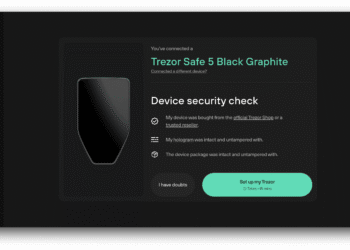
Simple setup process
Setting up the wallet takes only a few minutes.
Typical setup steps include:
- Connect the wallet to your computer via USB-C
- Install the Trezor Suite software
- Create a new wallet
- Write down your recovery seed
- Set a PIN code
Once these steps are completed, you can immediately start receiving or sending cryptocurrency.
Trezor Suite interface
The Trezor Suite software provides a clean and simple dashboard where you can:
• monitor your crypto balances
• view transaction history
• send and receive coins
• manage multiple wallets
Even beginners with limited crypto experience can quickly understand how the system works.
What Comes in the Box?
When you purchase the Trezor Safe 3, you typically receive the following items:
• Trezor Safe 3 hardware wallet
• USB-C cable
• recovery seed cards
• quick start guide
• Trezor stickers
The packaging also includes security seals so you can verify that the device has not been tampered with before opening it.
Fun Bitcoin Fact Before We Continue
Before continuing the article about the Trezor Safe 3, here is an interesting Bitcoin story.
In May 2010, a developer named Laszlo Hanyecz paid 10,000 Bitcoin for two pizzas. This was the first real-world purchase using Bitcoin.
At the time, Bitcoin had very little value. Today those same 10,000 Bitcoin would be worth hundreds of millions of dollars.
This event is now celebrated every year as Bitcoin Pizza Day in the crypto community.
Why a Hardware Wallet Like Trezor Safe 3 Matters
As cryptocurrency values increase, protecting your digital assets becomes more important.
If you store your coins on an exchange:
• the exchange controls your private keys
• accounts can be hacked
• withdrawals can be restricted
With a hardware wallet like the Trezor Safe 3, you maintain full control of your assets.
In the crypto world this idea is often summarized with a simple phrase:
“Not your keys, not your coins.”
Who Should Buy the Trezor Safe 3?
The Trezor Safe 3 is ideal for several types of crypto users.
Beginners
Its easy setup process makes it a good entry-level hardware wallet.
Long-term crypto investors
Anyone planning to hold cryptocurrency for years should consider cold storage.
Budget-conscious users
The Safe 3 is more affordable than some other hardware wallets while still offering strong security.
Security-focused investors
With features like Secure Element protection and offline key storage, the Safe 3 provides reliable security.
Final Verdict: Is the Trezor Safe 3 Worth It?
The Trezor Safe 3 is one of the best entry-level hardware wallets available today. It combines strong security features with a simple design and support for thousands of cryptocurrencies.
Key benefits include:
• offline storage of private keys
• Secure Element chip protection
• support for thousands of coins and tokens
• easy setup with Trezor Suite
• affordable price compared to many hardware wallets
If you want a reliable and secure way to store cryptocurrency, the Trezor Safe 3 is an excellent choice.
👉 Buy the Trezor Safe 3 here
Trezor Safe 3
Disclaimer
This article is for informational purposes only and does not constitute financial or investment advice. Cryptocurrency investments involve risk and prices can fluctuate significantly. Always do your own research before investing. This article may contain affiliate links, which means the author may receive a commission if you purchase through the link at no additional cost to you.