
As cryptocurrency adoption continues to grow worldwide, more investors are looking for secure ways to store their digital assets. While exchanges are convenient for trading, keeping large amounts of crypto on an exchange can be risky. Hacks, account compromises, and platform failures have caused millions in losses over the years.
This is why many crypto investors choose a hardware wallet. One of the newest and most advanced options available today is the Trezor Safe 5.


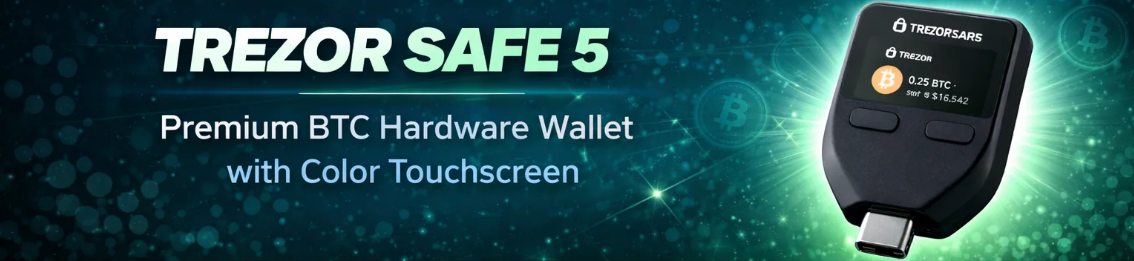
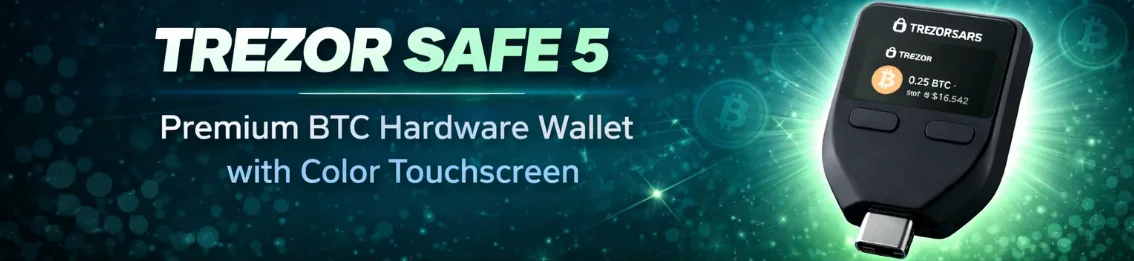
The Trezor Safe 5 is designed to offer maximum security while remaining easy to use, making it suitable for both beginners and experienced crypto holders.
In this guide you will learn:
• What the Trezor Safe 5 is and how it works
• Which cryptocurrencies it supports
• How secure the device really is
• Whether it is easy to use
• What you get when purchasing the wallet
We will also include a fun Bitcoin fact before continuing the article about the Trezor Safe 5.
What Is the Trezor Safe 5 Hardware Wallet?
The Trezor Safe 5 is a hardware wallet designed to store cryptocurrency offline. Instead of keeping your crypto keys on an internet-connected device, they are stored safely inside the hardware wallet.
This is important because cryptocurrencies are controlled through private keys. Whoever controls these keys controls the crypto.
If you store your assets on an exchange, the exchange technically holds the private keys for you. With a hardware wallet like the Trezor Safe 5, you are in full control of your keys and your coins.
The device keeps these keys offline at all times, which significantly reduces the risk of hacking.
Every transaction must be physically confirmed on the device itself using the touchscreen. Even if your computer were infected with malware, your crypto cannot be sent without your approval.
The device works together with Trezor Suite, a secure desktop and browser interface where you can:
• Send cryptocurrency
• Receive crypto payments
• Track your portfolio
• Manage multiple wallets
👉 View here Trezor Safe 5
How a Hardware Wallet Works for Cryptocurrency
Many beginners assume that cryptocurrency is stored directly on a wallet device. In reality, crypto always exists on the blockchain.
A hardware wallet simply stores the private keys that allow you to access your funds.
When you make a transaction, the following process occurs:
- You create a transaction in Trezor Suite
- The transaction request is sent to the hardware wallet
- You verify the transaction details on the device screen
- You confirm the transaction on the hardware wallet
Only after you confirm the transaction does the wallet sign it and broadcast it to the blockchain.
Because the private keys never leave the device, they remain protected from:
• malware
• phishing attacks
• keyloggers
• remote hackers
This is why hardware wallets are considered the safest way to store cryptocurrency long term.
Which Cryptocurrencies Are Supported by the Trezor Safe 5?
One of the biggest advantages of the Trezor Safe 5 is its wide cryptocurrency support. The device supports thousands of coins and tokens.
Major cryptocurrencies supported
Some of the most popular cryptocurrencies you can store include:
Bitcoin (BTC)
Ethereum (ETH)
Litecoin (LTC)
Bitcoin Cash (BCH)
Dogecoin (DOGE)
Popular altcoins
The wallet also supports many major altcoins such as:
Cardano (ADA)
Polkadot (DOT)
Avalanche (AVAX)
Ripple (XRP)
ERC-20 tokens
Because Ethereum is supported, you can also store thousands of ERC-20 tokens, including:
Shiba Inu (SHIB)
Chainlink (LINK)
Uniswap (UNI)
Aave (AAVE)
Additionally, the Trezor Safe 5 can connect to external wallets like MetaMask, allowing access to:
• DeFi platforms
• staking services
• NFT marketplaces
• Web3 applications
This makes the wallet suitable for both long-term holders and active crypto users.
Is the Trezor Safe 5 Secure?
Security is the most important factor when choosing a hardware wallet. The Trezor Safe 5 includes several layers of protection designed to keep your assets safe.
Secure Element chip
The wallet includes a Secure Element chip, which is designed to protect sensitive data from both digital and physical attacks.
This type of chip is commonly used in:
• passports
• credit cards
• government security hardware
Offline key storage
Your private keys are stored directly on the device and never exposed online. This means hackers cannot access them remotely.
On-device transaction confirmation
Every transaction must be confirmed on the device screen. Even if your computer is compromised, the attacker cannot complete a transaction without your approval.
Recovery seed protection
During setup, you receive a recovery seed, typically consisting of 12 or 24 words. This seed allows you to restore your wallet if the device is lost or damaged.
Always store your recovery seed:
• offline
• in a secure location
• never digitally stored online
Is the Trezor Safe 5 Easy to Use?
Hardware wallets used to be difficult for beginners, but the Trezor Safe 5 focuses heavily on usability.
Color touchscreen interface
The device includes a large color touchscreen, allowing you to:
• confirm transactions
• enter PIN codes
• manage wallet settings
This makes navigation much easier compared to older hardware wallets that rely on small buttons.
Simple setup process
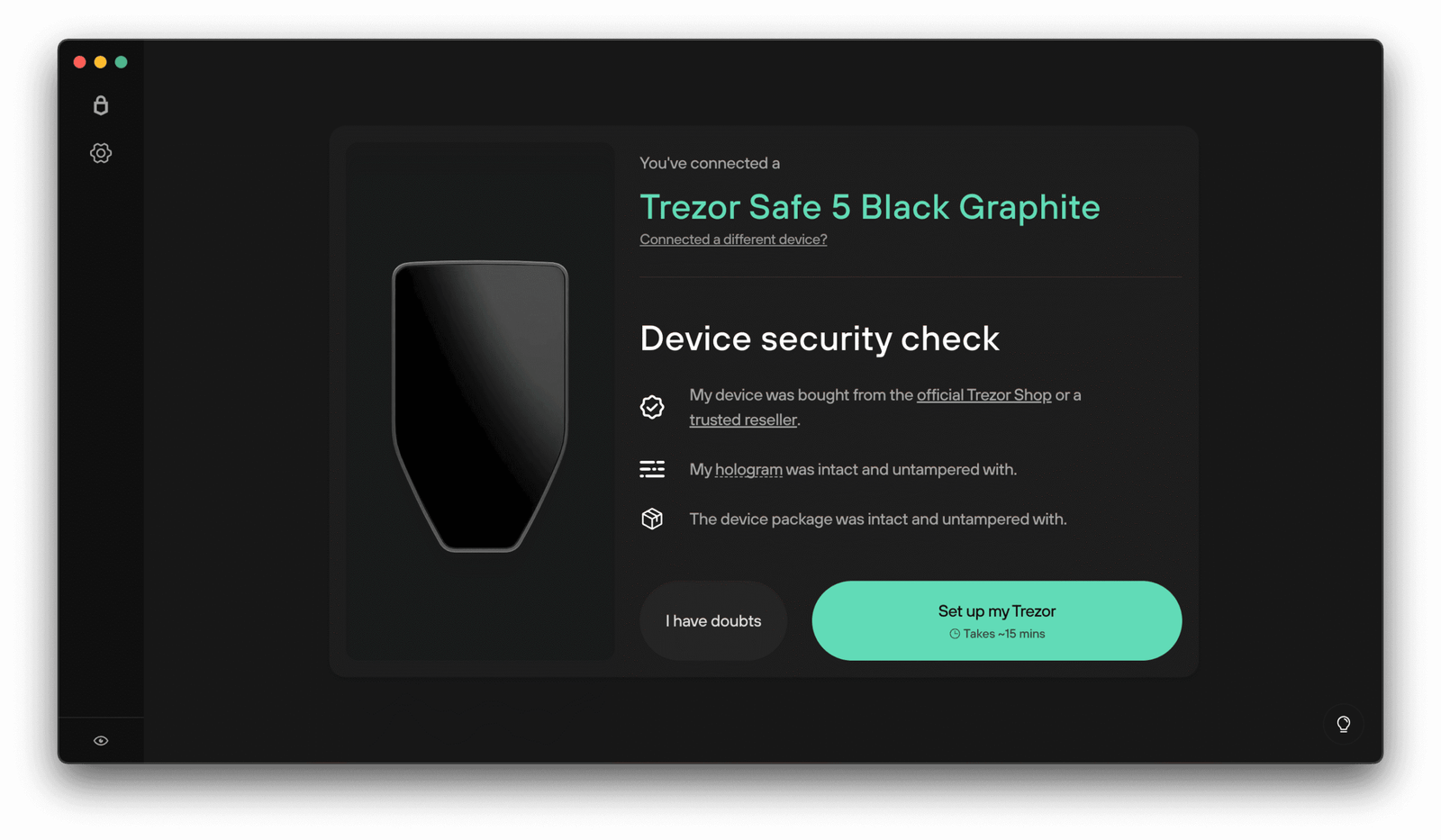
Setting up the wallet usually takes less than 10 minutes.
Step 1
Connect the wallet to your computer.
Step 2
Install Trezor Suite.
Step 3
Create a new wallet.
Step 4
Write down your recovery seed.
Once completed, you can immediately begin sending or receiving cryptocurrency.
User friendly software
Trezor Suite provides a clean interface where you can easily monitor:
• balances
• transactions
• multiple wallets
Even users new to cryptocurrency can quickly understand the system.
What Comes in the Box?
When you purchase the Trezor Safe 5, the package includes everything required to start securing your crypto.
Inside the box you typically receive:
• Trezor Safe 5 hardware wallet
• USB-C cable
• recovery seed cards
• user manual
• Trezor stickers
The recovery seed cards are used to write down your recovery phrase.
Many users choose to store their recovery phrase in secure locations such as:
• a home safe
• a bank safety deposit box
• a metal seed backup plate
A Fun Bitcoin Fact Before We Continue
Before continuing with the discussion about the Trezor Safe 5, here is an interesting fact about Bitcoin.
In 2010, a programmer named Laszlo Hanyecz made the first real-world Bitcoin purchase. He paid 10,000 Bitcoin for two pizzas.
At the time Bitcoin had very little value. Today, that same amount of Bitcoin would be worth hundreds of millions of dollars.
This historic transaction is now celebrated every year as Bitcoin Pizza Day within the crypto community.
Why Secure Storage Like Trezor Matters
Stories like the Bitcoin pizza purchase show how valuable cryptocurrency can become over time. Many investors hold their coins for years.
Because of this, secure storage becomes extremely important.
If you leave your crypto on an exchange:
• you do not control the private keys
• exchanges can be hacked
• accounts can be frozen or restricted
A hardware wallet like the Trezor Safe 5 ensures that you maintain full control over your assets.
In the crypto world this principle is often summarized by the phrase:
“Not your keys, not your coins.”
Who Should Use the Trezor Safe 5?
The Trezor Safe 5 is suitable for several types of crypto users.
Beginners
The easy setup process and touchscreen interface make it beginner friendly.
Long-term investors
Anyone holding crypto for long periods should consider offline storage.
DeFi users
Integration with Web3 wallets allows secure interaction with decentralized applications.
Large crypto portfolios
If you hold significant amounts of cryptocurrency, a hardware wallet provides essential protection.
Final Verdict: Is the Trezor Safe 5 Worth It?
The Trezor Safe 5 is one of the most advanced hardware wallets currently available. It combines strong security features with a modern and user-friendly design.
Key advantages include:
• offline private key storage
• support for thousands of cryptocurrencies
• color touchscreen interface
• secure element protection
• open-source firmware
• simple setup process
Whether you are new to cryptocurrency or an experienced investor, a hardware wallet like the Trezor Safe 5 is one of the best ways to protect your digital assets.
👉 Explore the Trezor Safe 5 here
Trezor Safe 5
Disclaimer
This article is for informational purposes only and should not be considered financial or investment advice. Cryptocurrency investments involve risk, and the value of digital assets can fluctuate significantly. Always conduct your own research before making financial decisions. This article may contain affiliate links, meaning the author may receive a commission if you purchase a product through these links at no additional cost to you.